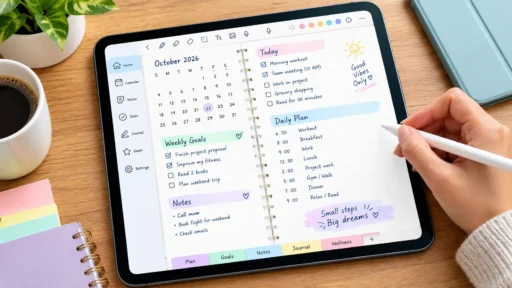
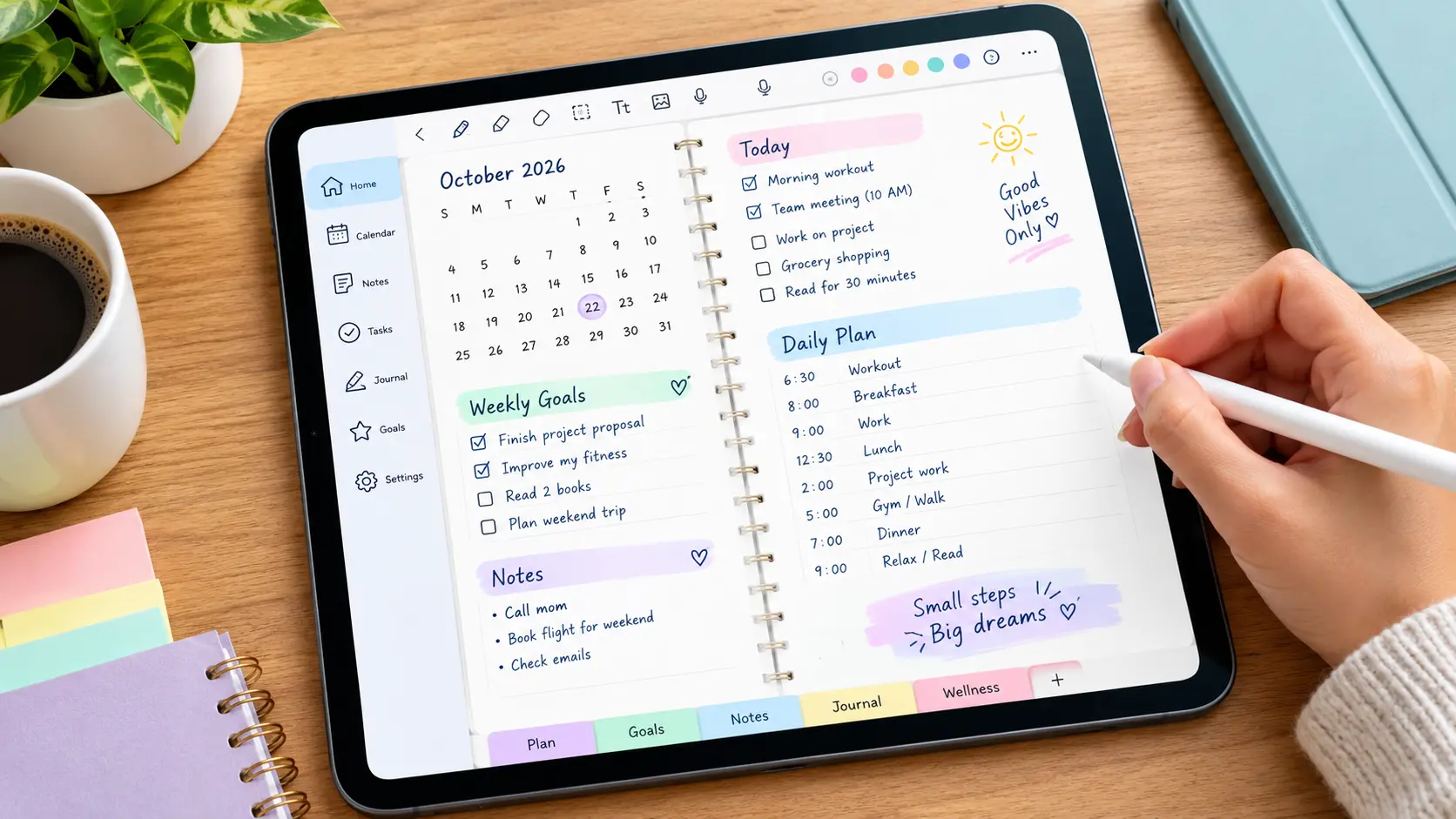

Finding the best free digital planner app for iPad is easier than you think when you have an Apple Pencil and want to plan your week without paying for another subscription. The good news is you don’t have to pay anything. A handful of apps give you proper handwriting, real Apple Pencil support, and a planner that actually feels like paper — all for free.
What Is a Digital Planner App?
A digital planner app is just a form of a notebook where you can write using your finger or Apple Pen instead of a pen. Quick answer: it is a planner page that you can tap, write, erase and reorganize in your iPad, usually built with PDF templates or specifically designed digital pages. It is different from a simple calendar app, being more focused on the handwriting, and secondarily on the typing.
What You’ll Need Before You Start
Three things, and you probably already have two of them.
- An iPad that supports an Apple Pencil — check Apple’s official compatibility list if you’re not sure which one you own
- An Apple Pencil (1st generation, 2nd generation, USB-C, or Pencil Pro, depending on your iPad)
- A planner app, which is what we’re covering below
Not every Apple Pencil works with every iPad, so it’s worth a quick check before you buy one. Apple’s support page lists exactly which Pencil pairs with which model.
Best Free Digital Planner App for iPad: What Is It?
These four cover almost everyone: the minimalist, the handwriting purist, the decorator, and the person who just wants something that already works.
| App | Price | Best For | Notebook Limit (Free) |
| CollaNote | Free | Unlimited handwriting + collaboration | Unlimited |
| GoodNotes | Free tier, paid upgrade | Natural pencil feel, PDF planners | 3 notebooks |
| Apple Notes | Free (built-in) | Simplicity, no download needed | Unlimited |
| Zinnia | Free plan, paid upgrade | Decorated, creative layouts | 3 journals |
1. CollaNote — Best Overall Free Option
CollaNote is the one to try first. It gives you unlimited notebooks, full Apple Pencil support with pressure sensitivity, PDF annotation, and even real-time collaboration — and none of it sits behind a paywall. If you want a planner that won’t nag you to upgrade after your third notebook, this is it.
2. GoodNotes — Best Handwriting Feel
GoodNotes offers the best simulation of a pencil on paper of any app on this list, and it also has thousands of free PDF planner templates designed for it. However, its free plan only allows you to create three notebooks. This is a small limitation for a free version, but it might not be enough if you want to have separate notebooks for work, home, and school.
3. Apple Notes — Simplest and Already on Your iPad
Don’t overlook this one. Apple Notes is completely free, needs no download, and supports Apple Pencil for basic sketching and handwriting. It won’t give you decorated spreads or sticker packs, but for a no-fuss daily planner, it just works.
4. Zinnia — Best for Creative, Decorated Planners
If a plain notebook bores you, Zinnia turns planning into a bit of a hobby — washi tape, stickers, colour themes, the lot. The free plan covers three journals, which is plenty if you’re only running one planner at a time.
How to Set Up Your First Digital Planner on iPad
1. Confirm your Apple Pencil matches your iPad model.
2. Download your chosen app from the App Store — CollaNote or Apple Notes if you want zero cost, no limits.
3. Import a PDF planner template, or start with a blank page if the app includes built-in layouts.
4. Pair your Apple Pencil and start writing directly on the page.
5. Organise pages into folders or tags by month, project, or whatever makes sense to you.
That’s genuinely it. Most people are up and planning within ten minutes of downloading.
Free vs Paid: When Should You Actually Upgrade?
Stick with free for as long as it covers what you need — most people never outgrow it. Consider paying only if you hit a real wall: you need more than three notebooks in GoodNotes, you want AI note summaries, or you need calendar sync across work and personal accounts. Upgrade because you’ve hit a limit, not because an app nudged you to.
Quick Answers (FAQ)
Is there a truly free digital planner app for iPad?
Yes. CollaNote and Apple Notes are both completely free with no forced upgrade, and both work with Apple Pencil. GoodNotes and Zinnia have free tiers too, but they cap how many notebooks or journals you can keep.
Do I need an Apple Pencil to use a digital planner?
No, but it helps a lot. You can tap and type your way through most planner apps with just your finger. Handwriting, sketching, and that paper-like feel only come through when you add a Pencil.
Which Apple Pencil works with my iPad?
It depends on your iPad model. Older iPads use Apple Pencil (1st generation), newer ones use Apple Pencil (USB-C) or Apple Pencil Pro. Apple’s official compatibility page will tell you exactly which Pencil matches your iPad.
Can I import a paper planner PDF into these apps?
Yes. GoodNotes, Notability, CollaNote, and most note-taking apps let you import a PDF planner template and write directly on it with your Pencil, just like a real notebook.
What’s the difference between a digital planner and a calendar app?
A calendar app like Apple Calendar stores typed events and reminders. A digital planner app is built for handwriting, sketching, and a page-by-page layout, closer to a paper planner than a scheduling tool.
Is CollaNote better than GoodNotes?
For free use, yes. CollaNote gives you unlimited notebooks and full Pencil support at no cost. GoodNotes has a slightly smoother handwriting feel, but its free plan stops at three notebooks.
Further Reading and Sources
Apple’s official guide to Apple Pencil compatibility with iPad models is the most reliable way to confirm which Pencil works with your iPad.
For a wider comparison of paid and free options, see this roundup of the best digital planner apps for iPad.
Bottom Line
If you want an unvarnished, no-catch answer to the question, then download CollaNote. It’s free and doesn’t box you in to three notebooks like the other big names do. It supports the Apple Pencil properly, too. Just download it, try it out for a week, and see how real handwriting on glass feels. Then, go pay for the other apps only if you’re genuinely limited by what CollaNote offers.