
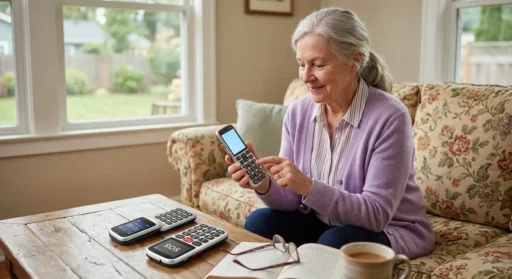
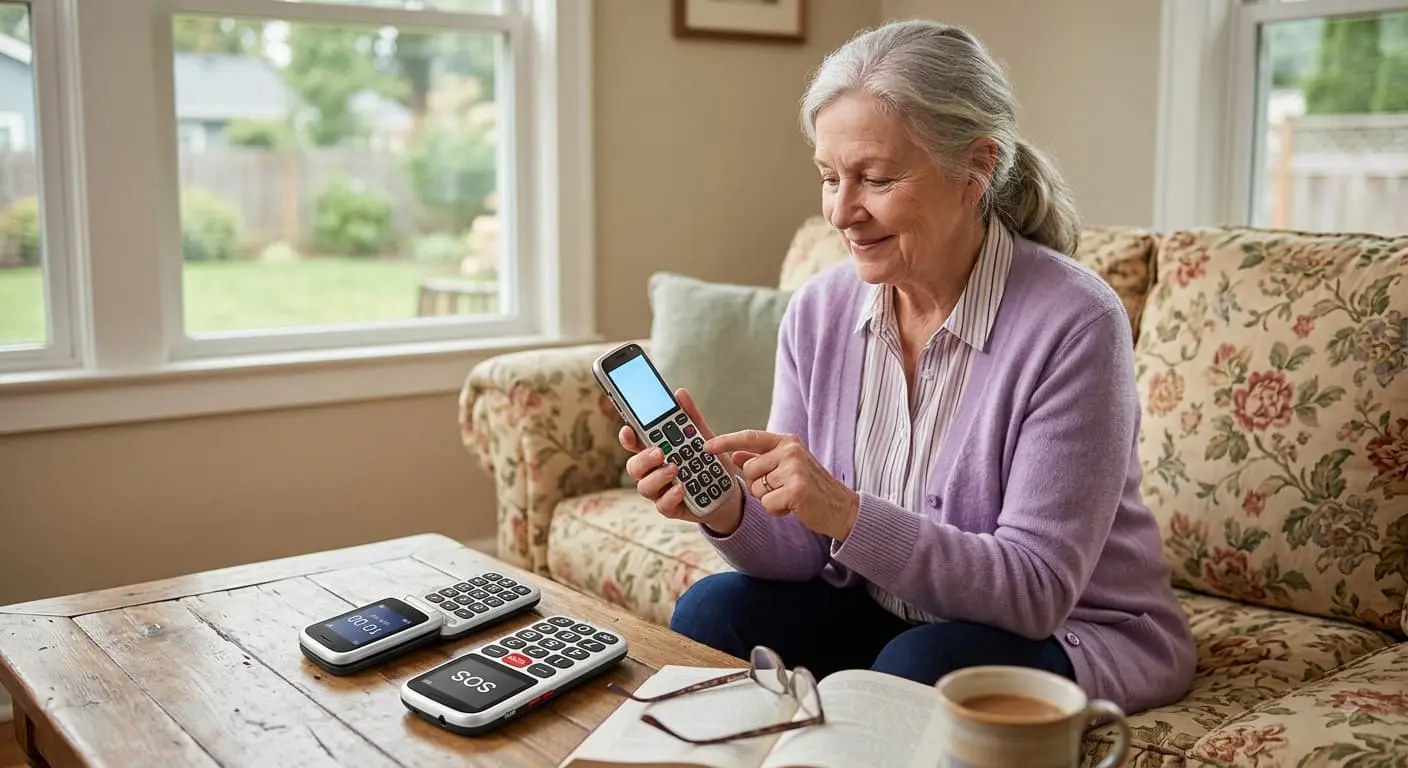

My uncle has owned four smartphones in the last six years. Not because he wanted them. Because every time one of us “upgraded” him, the new phone ended up sitting on his kitchen counter, screen dark, battery dead, while his actual phone calls happened on the landline he’s had since 1998.
I noticed the pattern before I understood it. Every christmas, someone in the family would gift him a newer, shinier phone. Every few months, someone would find him still scrolling through the old one, squinting, jabbing at the wrong icon, occasionally calling someone by accident because his thumb brushed a contact photo. Nobody asked him what he actually wanted. We just assumed newer meant better.
Last year, I finally asked him directly. What do you actually need this thing to do?
“Ring loud enough that I hear it in the garden. Buttons I can press without my glasses. And call your mother without three menus in the way.”
That was it. That was the whole spec sheet. And once I started shopping with those three sentences instead of a spec comparison chart, the entire category of “senior phones” suddenly made sense to me.
I’ve now spent a stretch of weeks testing, researching, and comparing big button phones — flip phones, bar phones, amplified cordless landlines, the works — for him and, honestly, for two other relatives who quietly admitted they’d been struggling too. Here’s what actually held up.
What “Easy to Read” Actually Means (It’s Not Just Big Numbers)
Before I get to specific phones, I want to flag something most buying guides skip. “Big button” gets treated as one feature. It’s really three separate problems, and a phone can solve one without solving the others:
- Visual clarity — large, high-contrast numbers and icons that don’t require reading glasses
- Tactile clarity — physical buttons with real space between them, so a finger with reduced sensation or a slight tremor doesn’t hit two keys at once
- Cognitive clarity — a menu structure shallow enough that “call daughter” doesn’t require navigating three submenus
A phone can nail the first and completely fail the third. I tested one flip phone with genuinely excellent buttons and a menu so nested my uncle gave up before reaching the ringtone settings. Keep all three in mind, not just the one that shows up in product photos.
The Best Big Button Phones for Elderly Users in 2026
Best Overall: Consumer Cellular IRIS Easy Flip
This was the one that finally stuck with my uncle. It’s a flip phone, which matters more than it sounds flipping it open to answer, and snapping it shut to hang up, turns out to be far more intuitive for a lot of older users than finding a screen icon.
At roughly $59, it’s also one of the cheapest phones on this list, and the dual, well-lit screens genuinely help with dim rooms and evening calls. The keypad is large, well-spaced, and doesn’t require any real force to register a press a small detail, but one that matters for arthritic hands.
Best for Built-In Emergency Help: Lively Jitterbug Flip2
If safety is the priority and for a lot of families, it is the Jitterbug Flip2 earns its reputation. It has a dedicated Urgent Response button that connects to a live agent 24/7, an extra-loud speaker rated for hearing loss, voice typing for texts, and a battery that genuinely lasts close to eight days on standby, which matters if your parent isn’t reliably charging it every night. It normally runs around $79.99, though it’s worth checking for promotional pricing before buying, since it’s frequently discounted.
The one trade-off: it runs on Lively’s own network and plans, so it’s not something you can simply drop your existing SIM into.
Best Amplified Cordless Landline: Panasonic KX-TGM450S
Not every senior wants or needs a cell phone at all, and I think buying guides underrate this option. If your parent mostly makes and receives calls from home, an amplified cordless landline solves a different problem entirely: hearing, not vision.
The Panasonic KX-TGM450S boosts the caller’s voice up to 50 dB and rings at a genuinely startling 112 dB loud enough to hear from another room. It also has a real-time slow-talk feature that stretches out a fast talker’s speech without distorting it, which is a small feature with a big real-world impact for anyone with age-related hearing loss.
Best Value Amplified Landline: VTech Amplified Cordless Phone
If the Panasonic is more amplification than you need, or more than you want to pay for, VTech’s amplified cordless line is the sensible step down. One-touch Audio Assist, a 90 dB ringer, big high-contrast buttons, and a call blocker that actually helps cut down robocalls which, if you’ve ever watched an elderly relative answer every single spam call because they’re worried it might be important, is worth more than it sounds.
Best Basic Flip Phone on a Tight Budget: Doro 7050
The Doro 7050 doesn’t try to do much, and that’s the point. It’s a straightforward 4G flip phone with large keys, a dedicated SOS button on the back, and a price point low enough that it works well as a backup or first-time phone without a big financial commitment. If your relative mainly needs a phone for calls and the occasional text, and modern smartphone features would just add clutter, this is where I’d start.
| Phone | Key Features |
|---|---|
| Consumer Cellular IRIS Easy Flip | Large Buttons • Easy-to-Read Display • Loud Audio • Emergency Features • Simple Design |
| Lively Jitterbug Flip2 | Large Buttons • Powerful Speaker • Urgent Response • Voice Dialing • Built-in Camera |
| Panasonic KX-TGM450S | 50 dB Amplification • Call Blocking • Talking Caller ID • Slow Talk • Loud Ringer |
| VTech Amplified Cordless Phone | Amplified Audio • Large Display • Caller ID • Call Blocking • Speakerphone |
| Doro 7050 | Large Buttons • Loud & Clear Audio • Emergency Button • Simple Interface • Camera |
How to Actually Choose Between Them
I’d normally leave this kind of decision to a spec sheet, but after watching three different family members react to these phones in completely different ways, I don’t think a spec sheet gets you there. Ask instead:
- Does hearing loss or vision loss dominate the difficulty? Hearing loss points toward an amplified landline. Vision or dexterity issues point toward a big-button flip or bar phone.
- Does your relative leave the house regularly, or mostly stay home? A cell phone only earns its keep if it leaves the house with them.
- Would a safety button actually get used, or ignored? Some people press an SOS button the first week and never touch it again. Others genuinely rely on it. You know which one your relative is.
- Who’s setting it up, and who’s maintaining it? Every phone on this list still needs someone to program contacts, set the ringer volume, and occasionally troubleshoot it. Budget for that time, not just the purchase price.
A Quick Note on What to Skip
I’d steer clear of “senior smartphones” that promise simplicity through a modified Android interface layered on top of a full touchscreen. In my testing, the simplified launcher often confused things further, because the underlying phone still occasionally throws up a standard Android notification or update screen that has nothing to do with the simplified menu. If someone genuinely wants smartphone features video calls, photos, maybe a few apps that’s a real and valid choice, but it’s a different category from what this list covers, and it deserves its own conversation about whether the person actually wants that complexity in the first place.
You May Also Like:
FAQs
What is the best big button phone for elderly parents with poor eyesight?
The Consumer Cellular IRIS Easy Flip and Doro 7050 both prioritize large, high-contrast displays and keypads, making them strong picks for vision-related difficulty specifically.
What is the best phone for a senior with hearing loss?
An amplified cordless landline like the Panasonic KX-TGM450S (up to 50 dB amplification, 112 dB ringer) or the VTech amplified cordless phone will do more for hearing loss than any cell phone, since amplification is the core feature rather than an add-on.
Do big button phones work with regular cell phone plans?
Some do, some don’t. The Doro 7050 and similar unlocked models generally accept a standard SIM. The Jitterbug Flip2 requires Lively’s own service plans, so check compatibility before buying if you want to keep an existing carrier.
Is a flip phone or a landline better for an elderly parent?
It depends on whether they leave the house. A flip phone matters for someone who’s out and about and might need to call for help away from home. A landline matters more for someone who’s mostly home and struggling with hearing rather than mobility.
How much do big button phones for seniors cost?
Most range from about $30 to $90 for the phone itself, with cell plans for senior-focused carriers typically running $15 to $35 a month — considerably less than a standard smartphone plan.
I still haven’t convinced my uncle to give up the landline entirely, and honestly, I’ve stopped trying. He picks up on the first ring now, which is more than I can say for myself most days.


