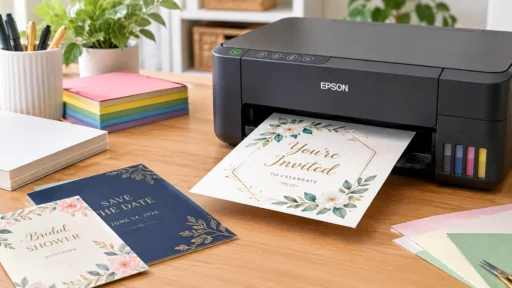
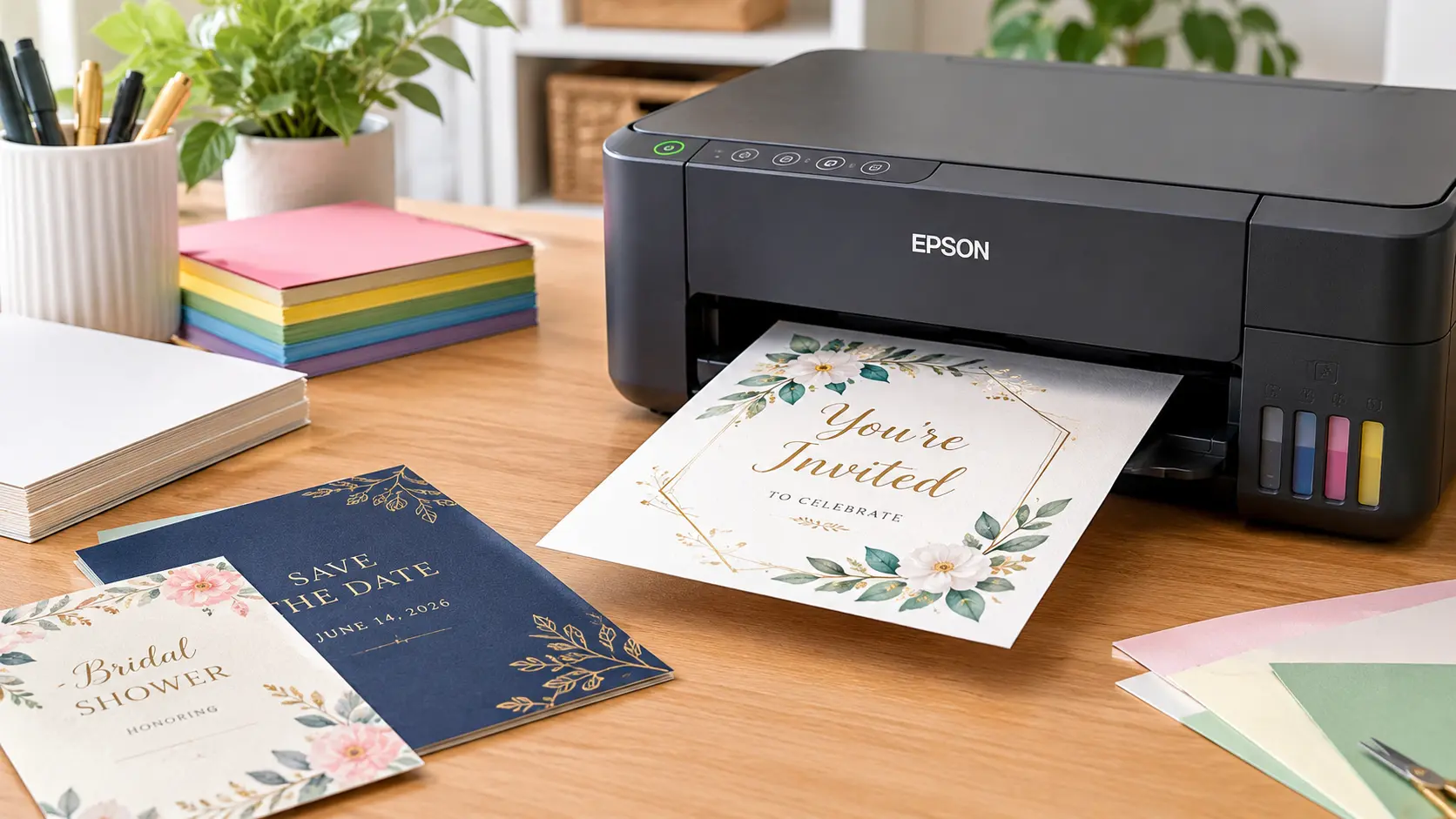

Quick answer: For most people, the HP ENVY 6155e (around $140) is the best printer for cardstock invitations under $200. It handles cardstock up to 110 lb, connects to your phone easily, and costs less than a caterer’s deposit. If you print in bulk, the Epson EcoTank ET-2803 (around $180–200) saves you money on ink over time.
Printing invitations can be easier than you think. However, if you run into problems when printing your invitations on your home printer, it can get frustrating. Your printer may have issues printing cards, especially if you’re using card stock paper. Card stock is a thicker, stiffer paper than standard print paper so many cheap printers will struggle to print on it. Below are five printers under $200 that will print clean, professional looking invitations.
What Makes a Printer Good for Cardstock?
Quick answer: A good cardstock printer needs a straight (not curved) paper path, support for at least 80–110 lb cardstock, and enough ink or toner density to avoid streaky colors on thick paper.
Three things separate a cardstock-friendly printer from a basic home printer:
- Paper path. Printers that bend the paper into a U-shape to print (common in cheap models) can jam or crease cardstock. Look for a rear or straight-through feed.
- Max paper weight. Check the spec sheet for “cardstock” or “cover stock” support, usually listed in pounds (lb) or grams per square meter (gsm). Anything rated for 80–110 lb cardstock will handle most invitation stock.
- Ink type. Inkjets generally produce richer, more photo-like color on cardstock. Laser printers are faster and cheaper per page but can struggle with very thick or textured cardstock.
If you’re printing wedding invitations with gold foil accents or watercolor designs, color accuracy matters more than speed. If you’re printing 150 identical birthday party invites, speed and ink cost matter more.
The 5 Best Printers for Cardstock Invitations Under $200
1. HP ENVY 6155e — Best Overall
Quick answer: The HP ENVY 6155e is the best all-around pick because it balances price, print quality, and cardstock support in one compact machine.
This printer launched at $139.99 and regularly goes on sale for less. It’s rated for cardstock and envelopes, prints in color, and connects over Wi-Fi so you can print straight from your phone while you’re half-watching a wedding planning show. It won’t win awards for speed, but for a one-time project — or even a few dozen invitations a year — it’s hard to beat on price.
Best for: Casual crafters and anyone printing fewer than 100 invitations.
2. Epson EcoTank ET-2803 — Best for Bulk Printing
Quick answer: The EcoTank ET-2803 uses refillable ink tanks instead of cartridges, so if you’re printing a big batch of invitations, your cost per page drops dramatically.
Priced at typically $179 and $200, this printer may have a slightly more expensive price tag, however you will be getting incredible value for money on the ink. The refills only cost a few pounds and can print thousands of pages. If you are starting up an Etsy invite business, or needing to print invites for a large event (plus 200 people) this printer will help you keep your profits.
Best for: High-volume printing, small invitation businesses, repeat projects.
3. Canon PIXMA iX6820 — Best for Heavy Cardstock
Quick answer: The Canon PIXMA iX6820 supports cardstock up to 300 gsm (about 110 lb cover weight), making it the strongest choice here for thick, premium invitation stock.
This printer is much more of a business grade printer than a home photo printer. This means that it prints very well onto card stock. However, there isn’t a duplex printer option so if your invitation contains information on both the front and back you will need to turn the paper over manually. If you really want high quality printing on thick card stock then this is a good option.
Best for: Thick, premium cardstock and formal wedding invitations.
4. Brother MFC-J1360DW — Best All-in-One
Quick answer: The Brother MFC-J1360DW adds scanning, copying, and faxing to solid cardstock support, which is useful if you also need to scan RSVP cards or print other wedding paperwork.
It’s a compact all-in-one that doesn’t demand a lot of desk space but still manages cardstock and envelopes without much fuss. It’s not the fastest printer on this list, but it’s reliable, and Brother’s ink cartridges are easy to find at any office supply store.
Best for: People who want one machine for invitations and everyday printing tasks.
5. HP OfficeJet 3830 — Best Budget Pick
Quick answer: The HP OfficeJet 3830 is the cheapest option here, and while it only supports lighter cardstock (up to about 110 lb), it’s a solid choice if your budget is closer to $100 than $200.
This is an entry-level machine, so don’t expect gallery-quality prints. But for simple, text-and-graphic invitations on lighter cardstock, it does the job without costing much.
Best for: First-time crafters or anyone testing out DIY invitations before committing to a pricier printer.
Quick Comparison Table
| Printer | Price Range | Max Cardstock | Best For |
| HP ENVY 6155e | ~$140 | 110 lb | Overall value |
| Epson EcoTank ET-2803 | ~$180–200 | 110 lb | Bulk printing |
| Canon PIXMA iX6820 | ~$150–180 | 300 gsm (~110 lb) | Heavy cardstock |
| Brother MFC-J1360DW | ~$150–180 | 110 lb | All-in-one use |
| HP OfficeJet 3830 | ~$80–100 | 110 lb | Tight budgets |
How to Avoid Jams and Streaky Prints on Cardstock
Quick answer: Load fewer sheets at a time, use the manual or rear feed tray if your printer has one, and always select “cardstock” or “heavy paper” in your printer settings before hitting print.
A few habits save you a lot of wasted cardstock:
- Load 5–10 sheets at a time instead of a full stack — thick paper doesn’t feed as smoothly in large batches.
- Use the rear feed tray if your printer has one. It keeps the paper straighter through the print path.
- Change the paper type setting from “plain paper” to “cardstock” or “heavy” in your print dialog. Skipping this step is the #1 reason prints come out streaky.
- Let each sheet dry for a minute before stacking, especially with inkjet printers — fresh ink smudges easily on glossy or coated cardstock.
Final Verdict
The most straightforward option is the HP ENVY 6155e. It can print invite-weight cards, is inexpensive to buy (under $150), and doesn’t have a learning curve. But if you’re going to be printing a lot of cards and/or intend to make this a small business then it might be worth paying a little more for the Epson EcoTank ET-2803. You’ll quickly start saving money on ink once you’ve printed more than 100 cards.
Frequently Asked Questions
Can a regular printer print on cardstock?
Some can, but many budget printers aren’t built for it. Check the spec sheet for cardstock or cover stock support, usually listed in pounds or gsm, before assuming your current printer can handle it.
What weight cardstock is best for invitations?
Most wedding and party invitations use 80 lb to 110 lb cardstock. Lighter stock works for simple cards, while heavier stock feels more premium but needs a printer rated for it.
Is inkjet or laser better for cardstock invitations?
Inkjet printers usually produce richer, more accurate color on cardstock, which matters for photo-style or colorful designs. Laser printers print faster and are cheaper per page but can struggle with very thick or textured stock.
Do I need a special printer for wedding invitations?
Not necessarily. Any printer that supports 110 lb cardstock and has a straight paper path can handle most wedding invitation designs. A specialty photo printer only matters for foil, metallic ink, or oversized cards.
How much does it cost to print 100 invitations at home?
With a budget inkjet printer and standard cardstock, expect to spend roughly $20 to $40 on ink and paper for 100 single-sided invitations, depending on how color-heavy the design is.
Can these printers handle envelopes too?
Yes, all five printers in this guide support standard envelope printing, which is useful for addressing return envelopes or RSVP cards to match your invitations.